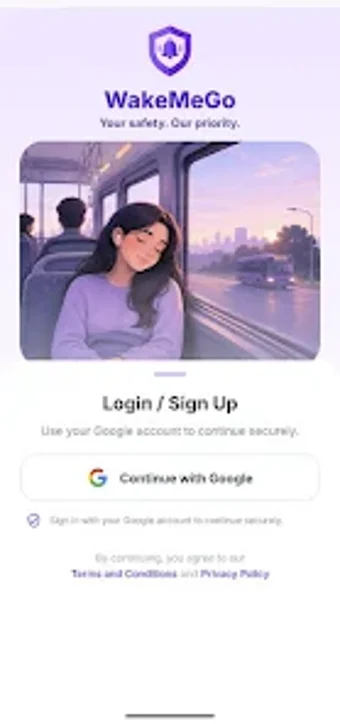
Location-triggered alarms and trip sharing for public transit commuters
Triggers a GPS wake-up alert as you approach a saved stop, monitoring live position and sounding an alarm so you don't miss your stop. WakeMeGo, published by WakeMeGo, targets Android commuters and long-distance travelers who use buses, trains, or taxis. The app pairs destination-based alerts, saved favourites, and trusted-contact trip sharing into a single workflow, offering quick setup for routine journeys and live tracking during active trips for added reassurance on uncertain schedules.
What is WakeMeGo used for?
WakeMeGo converts location into the wake condition: you set a destination and a radius, the app watches your GPS coordinates and issues an alert as you near that point. The workflow supports searching nearby places, selecting a saved favourite in one tap, and starting a live trip that shares status updates. That setup targets commuters who want a place-based alarm rather than a time-based alert for delayed or variable public transport legs.
How accurate and reliable is the location monitoring?
The app relies on device GPS and background location access, so accuracy depends on satellite reception and phone hardware. Live trip tracking provides continuous updates while the trip is active, but the developer notes that effectiveness ties to signal strength. Users should expect reliable proximity alerts where GPS reception is steady, and degraded performance in tunnels, dense urban canyons, or areas with intermittent satellite visibility.
Does WakeMeGo work without modifying the device?
The app runs on standard Android devices and requires location permissions including background access, so no rooting or device modification is necessary. Google Sign-In synchronizes saved places across devices. Connection and permissions are explicit: GPS hardware must be enabled and the app granted the needed privileges to maintain monitoring while the device is in a pocket or screen-off state.
What are the intended use cases and safety boundaries?
WakeMeGo aims at daily commuters, students, and long-distance travelers who want a secondary alert layer during transit; it includes a trusted-contact trip sharing feature for real-time monitoring by others. The developer states the app is a convenience and safety-support tool, not an emergency service, and users are responsible for complying with platform terms and local regulations when using location-sharing features.
Practical for routine commuters who accept GPS limitations
WakeMeGo suits people who ride public transport on routes with generally steady GPS reception and who want an extra safety layer while resting or reading. Test an alert on a familiar route and confirm background location permission before relying on it for long trips. Use the trip sharing feature judiciously and remember the app supplements personal vigilance rather than replacing it.